Remove a resource
Use the Plan tab to remove any staff resource (employee) that is no longer required in a team.
- Open the Plan tab and click
 to display the area dropdown list:
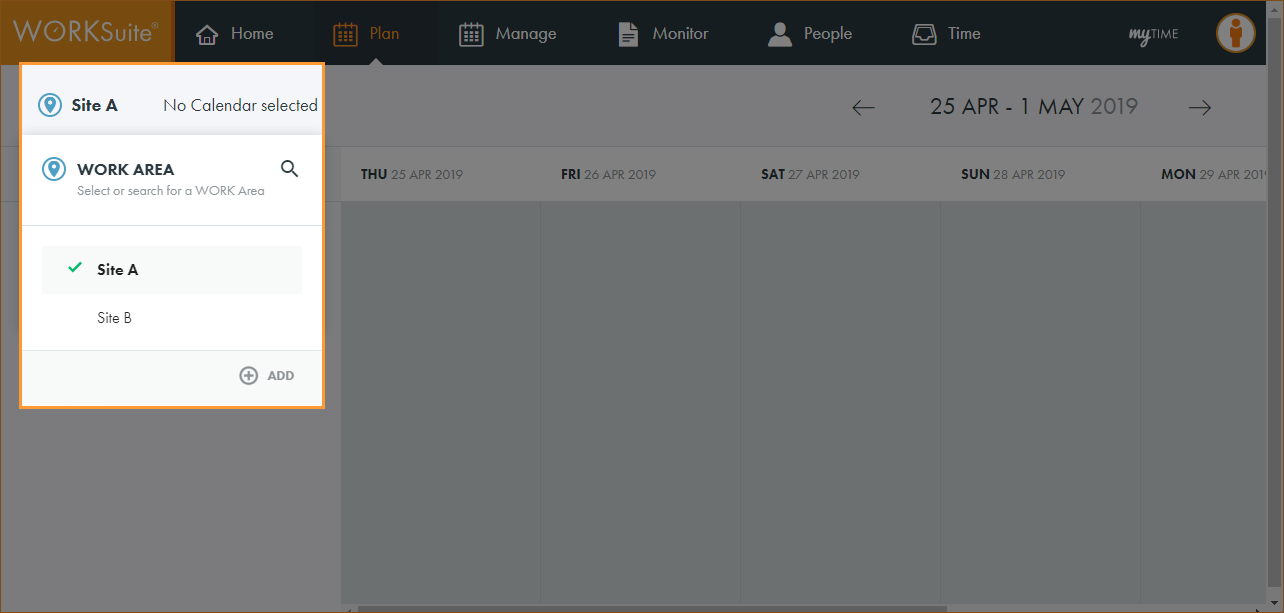
Note: By default, your previously selected work area is preselected.
- Click
 and start typing the name of the area you want to work with.
The list of areas is filtered.
- Click on an area in the list to select it.
The calendar search box is displayed:
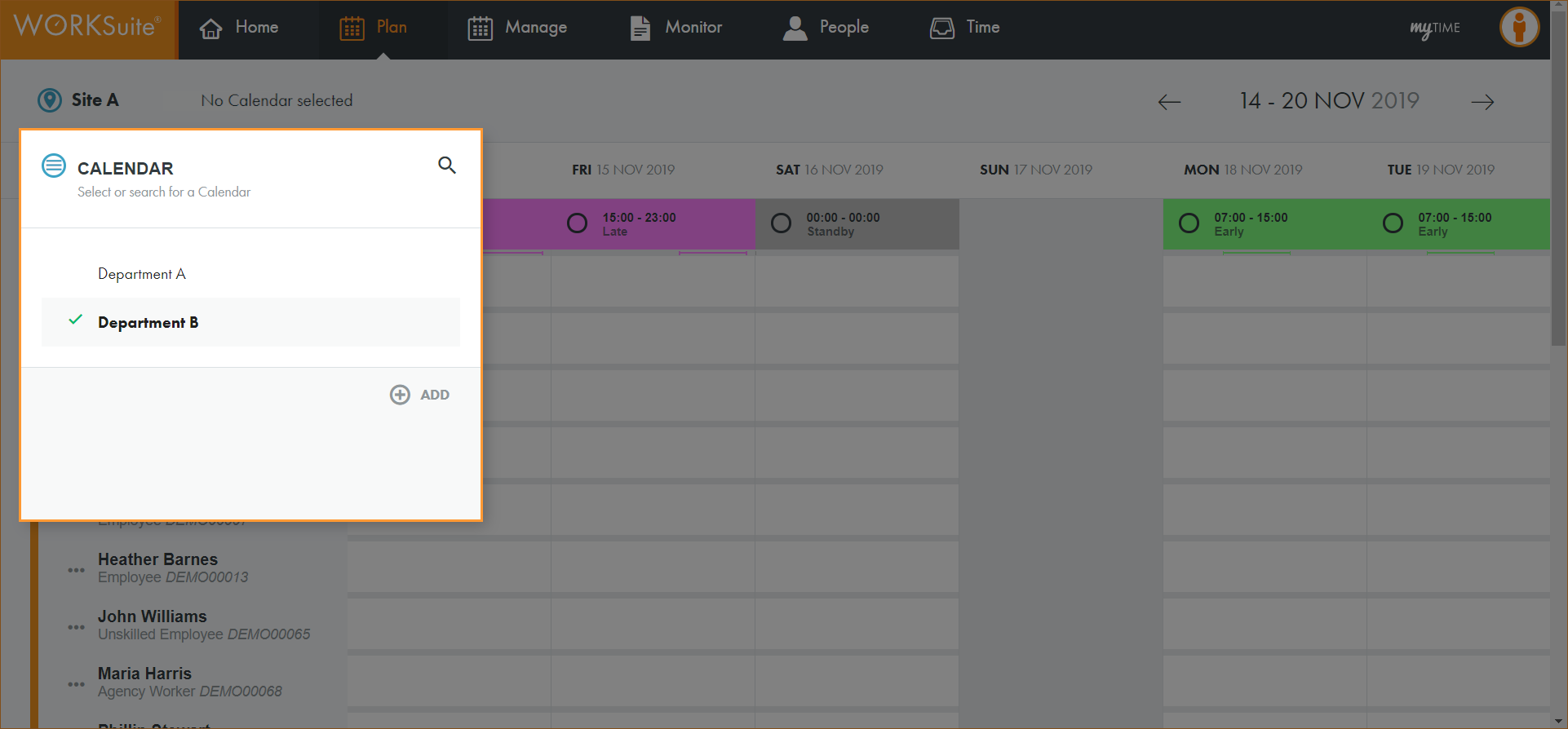
Note: By default, your previously selected calendar is preselected.
- Click and start typing the name of the calendar you want to work with.
The list of calendars is filtered.
- Click on a calendar to select it.
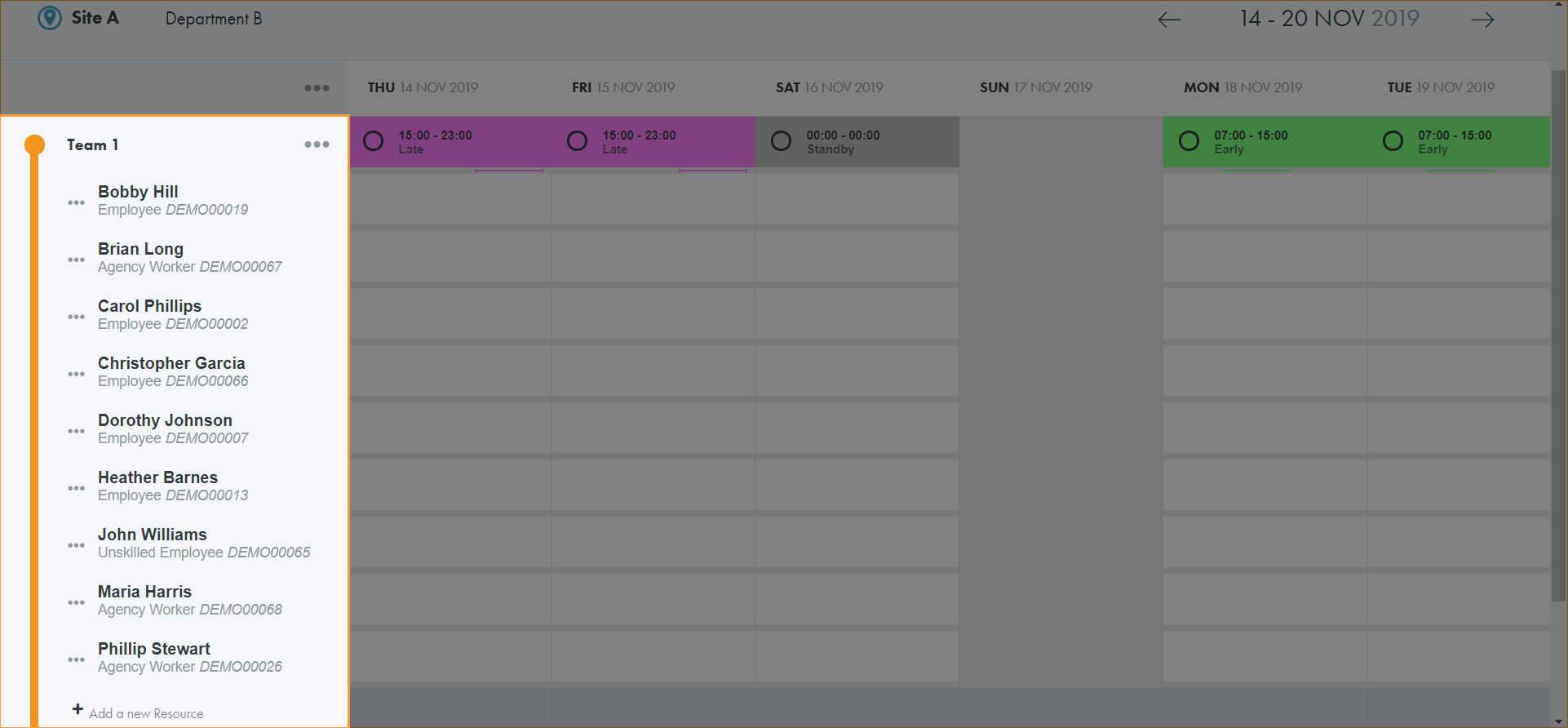
All teams in the calendar are displayed.
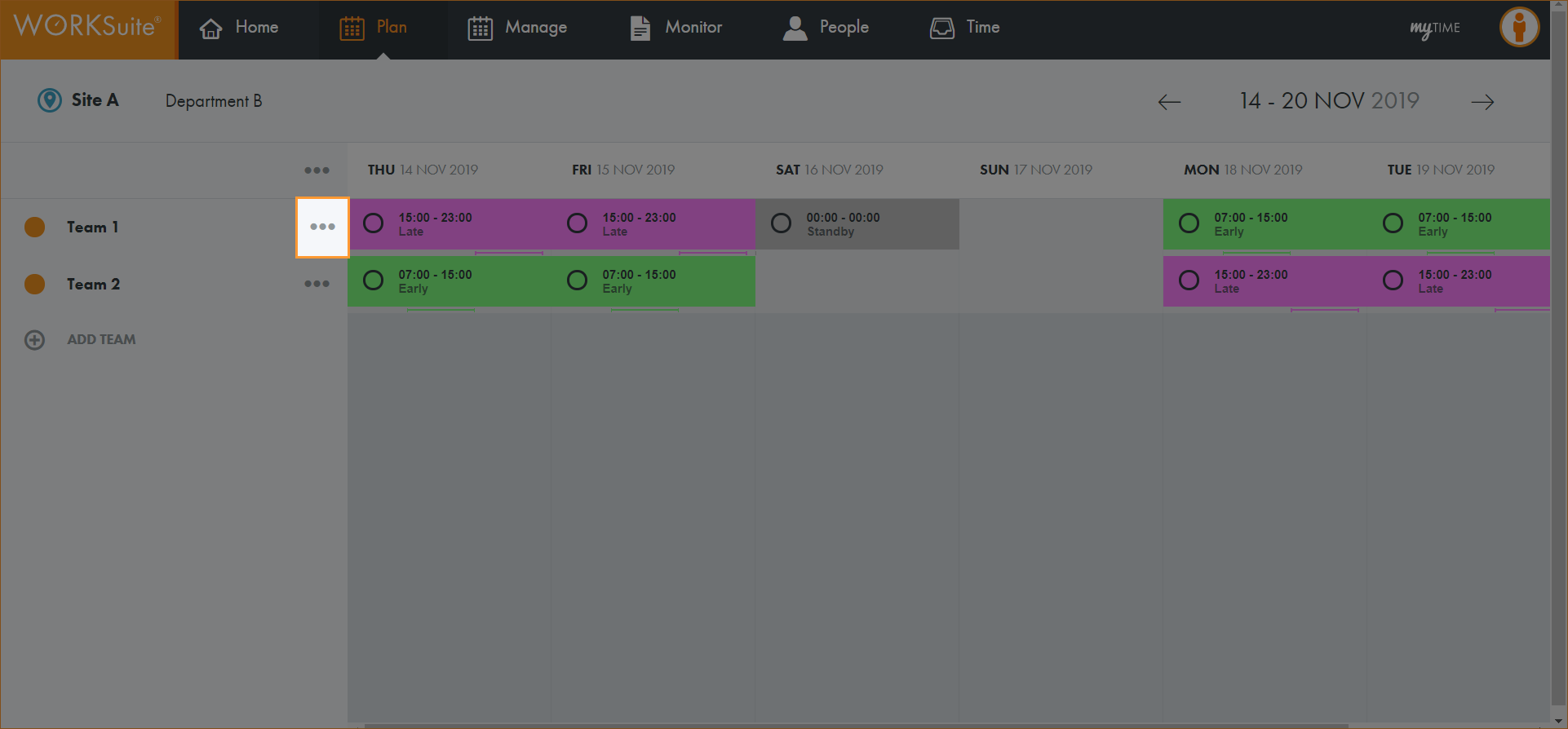
- Scroll to the team that you want to work with and click …:
- Click Show Resources:
- Click … in the resource that you want to delete.
- Click Remove Employee:
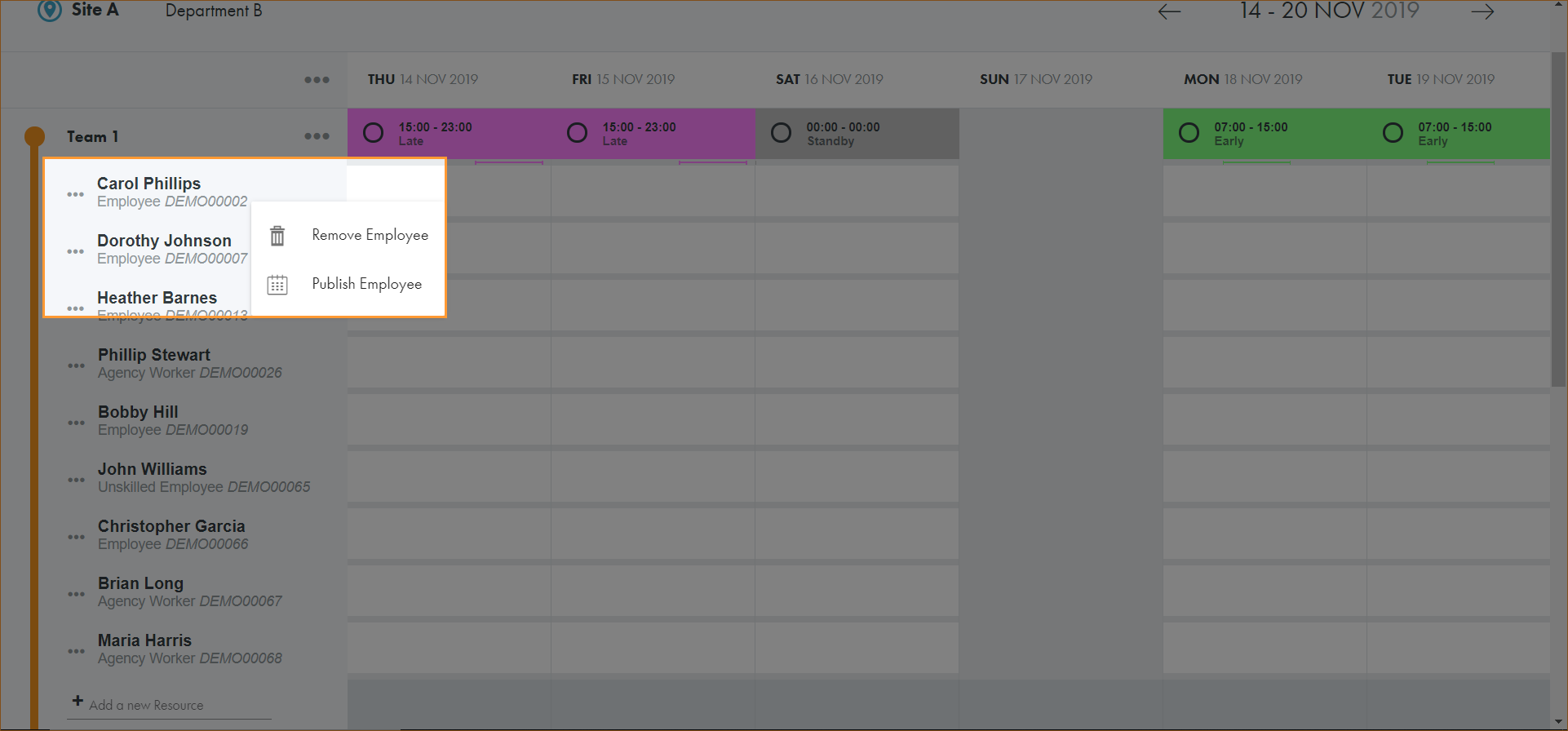
The resource is removed.
If the calendar been previously published it will need to be published again to reflect the changes to the team.